Affiliate disclosure: This article contains Amazon affiliate links. If you buy through them, EVThrottle may earn a commission at no extra cost to you.
Shopping for a used EV? The paint, the tires, the interior — all of that is the easy part. The question that actually matters is hiding inside a sealed metal box under the floor: how healthy is the high-voltage battery? A degraded pack can mean 30% less range than the sticker promised, and an out-of-warranty replacement runs $5,000 to $15,000 depending on the car.
The good news: you don't need a dealer, a mechanic, or blind trust. With a $30 Bluetooth adapter and a free phone app, you can read the battery's exact State of Health (SOH) yourself in about ten minutes — on the seller's driveway, before you negotiate. This guide shows you how.
What "State of Health" actually means
Every EV's battery management system (BMS) tracks how much energy the pack can still store compared to when it was new. That percentage is the State of Health. A brand-new car reads 100%. A five-year-old car might read 88% — meaning it holds 88% of its original capacity, and its real-world range is roughly 88% of the original EPA figure.
SOH is the single number that cuts through every sales pitch. The dashboard range estimate can be optimistic, the seller's "it still goes far!" means nothing — but the BMS doesn't lie. Two identical used EVs at the same price can have SOH readings 10 points apart, and that's thousands of dollars of difference in what you're actually buying.
How much battery degradation is acceptable?
This is the question every used-EV buyer asks, so here's the honest scale:
95–100%: Essentially new. Typical for cars under 2 years old with gentle use.
90–95%: Excellent. Normal for a 2–3 year old EV. Buy with confidence.
85–90%: Healthy and normal for 4–6 years old. This is where most good used EVs sit.
80–85%: Acceptable, but negotiate the price down — you're buying noticeably less range.
70–80%: Heavy degradation. Only consider at a steep discount, and check warranty coverage.
Below 70%: This is the warranty trigger zone (see below). If the warranty has expired, walk away.
Context matters: a 2019 Nissan Leaf at 82% is par for the course (early Leafs lacked liquid cooling); a 2022 Tesla Model 3 at 82% would be unusually degraded and worth investigating. Heat, frequent DC fast charging, and always charging to 100% accelerate the decline.
The warranty safety net (and its fine print)
Here's what protects you: federal regulations set the floor at 8 years or 100,000 miles of high-voltage battery coverage on every EV sold in the US. In California and the states that adopted its standards, that floor rises to 10 years or 150,000 miles. Most warranties kick in when capacity drops below 70% of original — the manufacturer must repair or replace the pack.
Three catches used buyers miss. First, the clock started when the car was first sold new — not when you buy it. A 5-year-old EV has ~3 years of battery warranty left, not 8. Second, "whichever comes first" — a high-mileage car can age out on miles with years to spare. Third, the warranty covers defects and sub-70% degradation — not the normal slide from 100% to 71%, which is entirely on you. A pack at 75% with an expired warranty is your $10,000 problem, not the manufacturer's.
The warranty does transfer to subsequent owners automatically for the remaining term — no paperwork, no fee. Verify the in-service date and remaining coverage with the manufacturer's customer service using the VIN before you buy. For a deeper breakdown of the federal rules, see this state-by-state warranty transfer guide and Midtronics' explainer on what the 8-year warranty covers.
What you need: the $30 diagnostic kit
A used EV battery health check needs two things: a Bluetooth OBD2 adapter that plugs into the car's diagnostic port, and a phone app that can read the battery management system. The adapter is the only purchase — the best apps are free or a few dollars.
OBDLink MX+ — the enthusiast favorite
The MX+ is the scanner EV forums recommend on repeat: fast Bluetooth, rock-solid connections, works with iPhone, Android, and Windows, and pairs with every serious diagnostic app — Car Scanner, Torque, FORScan, and the EV-specific ones. It costs more than the budget options, but when you're evaluating a $20,000 used car, the reliability is worth it. This is the one to buy if you'll only buy once.
Vgate vLinker MC+ — the budget pick
The vLinker MC+ does the same core job — reads EV battery PIDs through apps like Car Scanner — for roughly half the price. It supports both classic Bluetooth and BLE, works with Android and iOS, and is the value pick if this is a one-time pre-purchase check rather than an ongoing hobby. Make sure you get the manufacturer-sold listing (VgateDirect) rather than third-party resellers.
For apps: Car Scanner ELM OBD2 (free, iOS/Android) is the all-rounder with EV-specific profiles for most brands. ScanMyTesla is the Tesla-only specialist worth its small price. Pair either with the adapters above and you're reading real BMS data in minutes.
Step-by-step: the 10-minute driveway test
Step 1: Find the OBD2 port. It's mandatory on every car sold in the US — look under the driver's-side dashboard, just above the pedals. (Teslas hide it: pre-2022 Model 3/Y need a special harness adapter behind the center console; check the Tesla section below.)
Step 2: Plug in the scanner. Push the Bluetooth adapter firmly into the port until it seats. Most have an LED that lights up — no pairing needed yet.
Step 3: Power up and connect the app. Turn the car to accessory/on (foot off the brake for most EVs, or just "on"). Open your diagnostic app — Car Scanner ELM OBD2 is the free all-rounder; ScanMyTesla is the Tesla-specific pick — and pair it to the adapter over Bluetooth. In the app, select your exact vehicle profile so it reads the right PIDs.
Step 4: Read the battery data. Navigate to the BMS or battery dashboard. Write down three numbers: State of Health % (the headline number), cell voltage delta (the spread between the highest and lowest cell — under ~20mV is healthy; over 100mV suggests a weak cell), and odometer vs. SOH (compare against the scale above for the car's age).
Do this with the seller present. A seller who won't let you plug in a scanner is telling you everything you need to know.
Tesla-specific: how to test a used Tesla battery
Teslas are the most common used EVs, and they have quirks. Older Model 3/Y (pre-2022) don't expose a standard OBD2 port — you need a harness adapter that taps the CAN bus behind the center console (about $30, model-year specific). Newer Teslas with the updated electronics are easier.
For software, ScanMyTesla is the gold standard — it reads SOH, cell voltages, pack temperatures, and charge-cycle counts straight from the BMS. Tesla also built a battery health test into service mode on newer software versions (Controls > Service), which runs a full diagnostic and reports pack health — ask the seller to run it in front of you. Between the service-mode test and an OBD2 reading, you have two independent data points, which is ideal.
Tesla's own warranty: 8 years/120,000 miles (Model 3/Y Long Range) or 8 years/100,000 miles (Standard Range), with the 70% retention threshold. Check remaining coverage in the Tesla app with the VIN.
What the numbers look like in practice
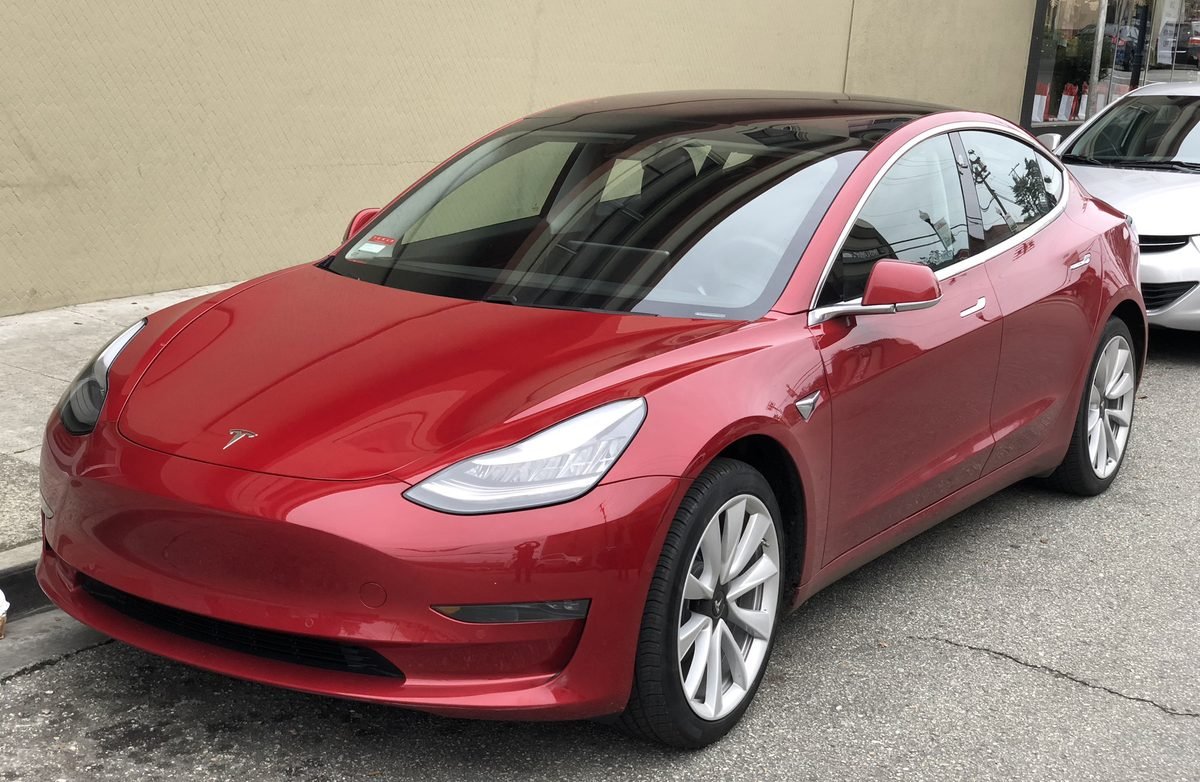
A concrete example helps. Say you're looking at a 2021 Tesla Model 3 Long Range with 62,000 miles, originally rated at 353 miles of range. You plug in the scanner and read 89% SOH. That means the pack holds about 89% of its original energy — expect roughly 314 miles at 100% charge in ideal conditions, less in winter. For a 4-year-old car with average mileage, 89% is right on the healthy curve. Now imagine the same car reading 79%: that's 10 points below par, roughly 35 miles of missing range, and a sign of either heavy fast-charging history or a pack that runs hot. Same car, same price, very different value — and you'd never know without the scan.
Always cross-check SOH against a full charge. Ask the seller to charge to 100% before you arrive, then compare the displayed rated range against the original EPA figure for that exact trim and model year (not a newer year's figure — Tesla revised ratings over time). If the dashboard number and your SOH math roughly agree, you have two independent confirmations. If they wildly disagree, something's off — possibly a BMS calibration issue, possibly a replaced pack the seller didn't disclose.
Red flags that should kill the deal
SOH far below age norms — a 3-year-old car at 80% has lived hard (constant fast-charging, desert heat, or a defective pack). Large cell voltage delta — one weak cell drags the whole pack down and predicts failure. Seller refuses the scan — walk away, no exceptions. Salvage or flood title — battery warranties are void, and water damage to a high-voltage pack is a safety issue, not just a value issue. Mismatched SOH and odometer story — 40,000 miles but 78% SOH means those were 40,000 very hard miles.
Frequently asked questions
How much battery degradation is acceptable on a used EV?
Up to about 10% loss in the first 3 years is normal. A 5-year-old EV at 85–90% State of Health is healthy. Below 80% warrants a price discount; below 70% may trigger the battery warranty.
Can I check a used Tesla's battery health without special tools?
Partially — the car's own range estimate and a full-charge test give clues, but the exact State of Health requires an OBD2 scanner with an app like ScanMyTesla, or Tesla's own service-mode battery health test on newer software.
Does the EV battery warranty transfer to a used buyer?
Yes — the federal 8-year/100,000-mile battery warranty transfers automatically to subsequent owners for the remaining term. But the clock started when the car was first sold new, not when you buy it used.
What is a good State of Health percentage for a used EV?
90%+ is excellent, 85–90% is normal for a 3–5 year old car, 80–85% is acceptable with a price adjustment. Under 80%, negotiate hard or walk away unless the warranty covers it.
What's the best OBD2 scanner for checking a used EV?
The OBDLink MX+ is the enthusiast favorite — fast, reliable, and works with every major EV diagnostic app. The Vgate vLinker MC+ is the budget pick that handles EV PIDs well. See the picks above.